Schwarttzy.comAdventure Seeker

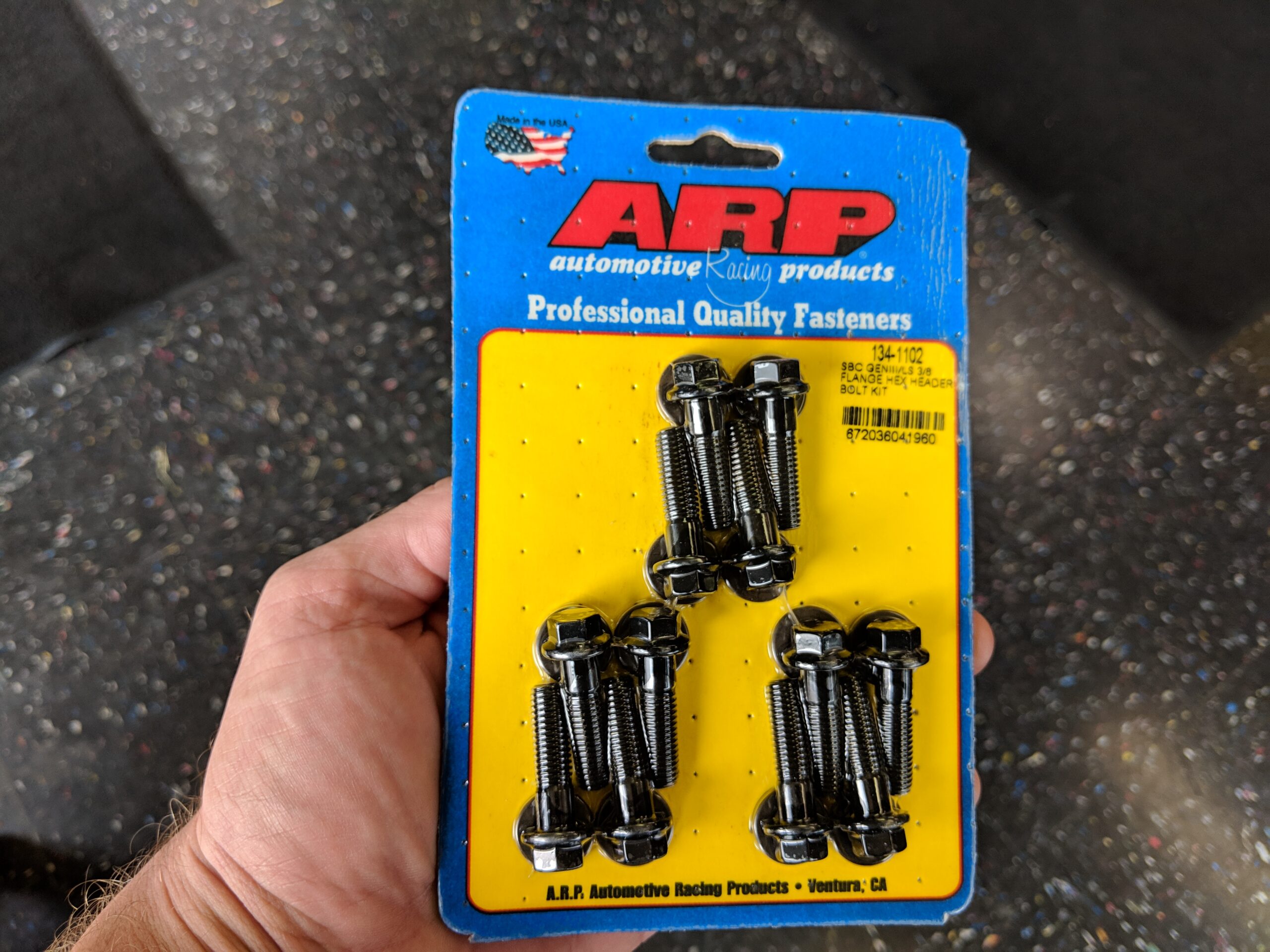
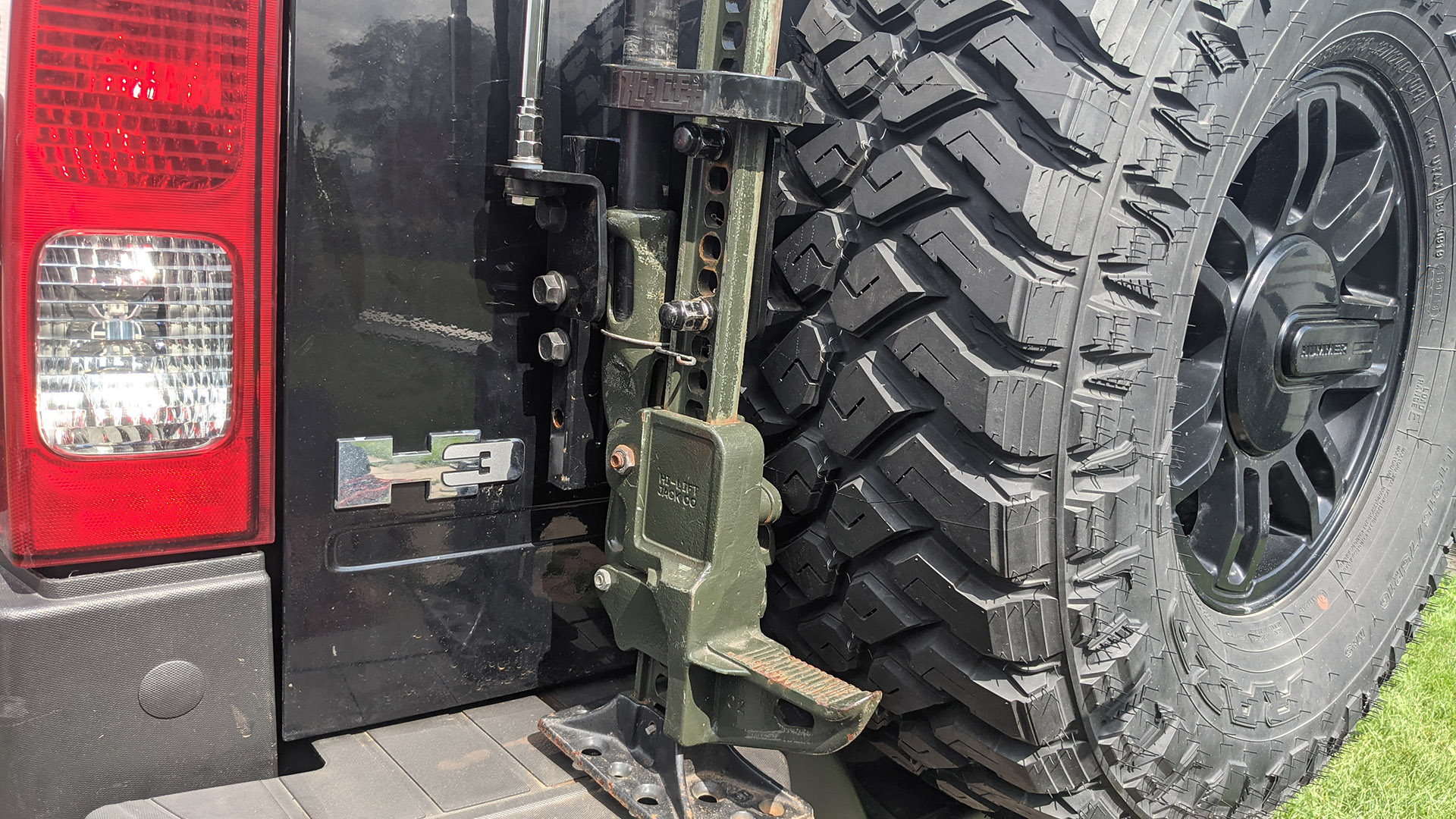
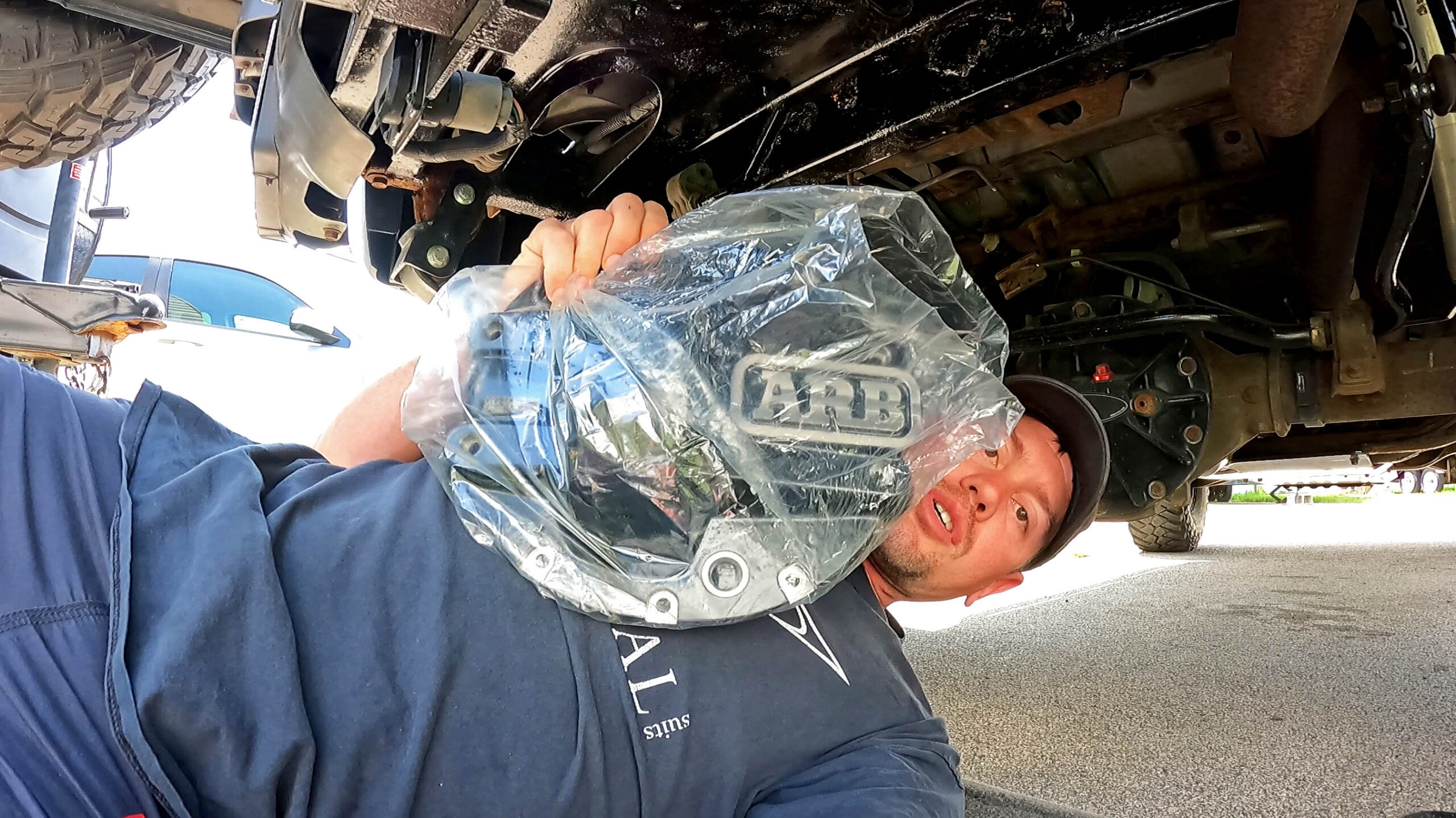
  • H3 Hummer
  • Website Design
    • Adventure Bound Basic
    • Adventure Theme
    • Adventure Theme
    • Mammoth Theme
  • Shop
    • Cart
    • Checkout
    • Your Orders
  • Links
  • 4X4 Trails & Parks
    • Rubicon Trail
    • Texas
    • Utah
    • Term of Use
  • Contact Me
  • About Me
    • Books
    • DVDs to Xbox 360
  • About Me

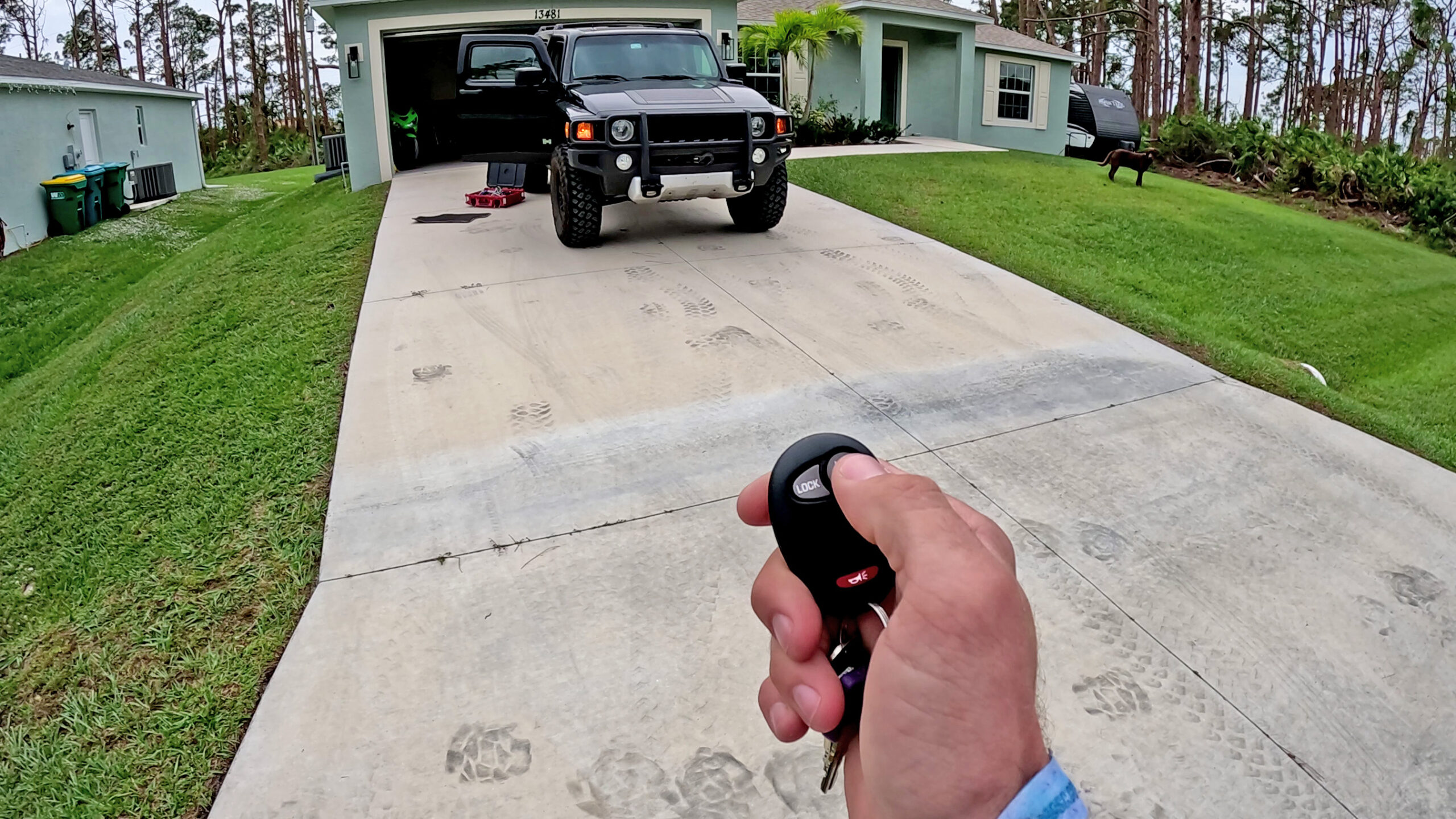
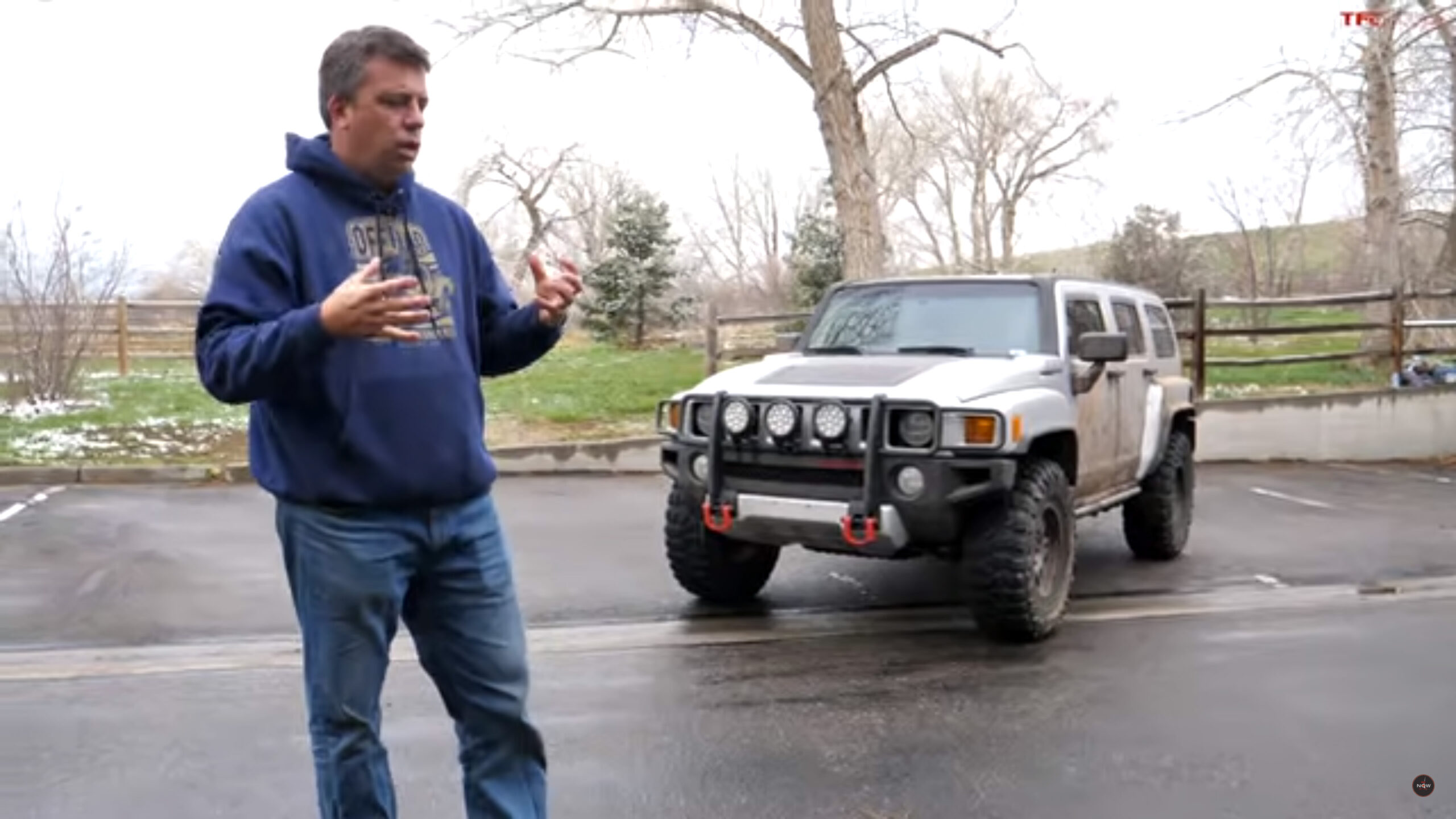
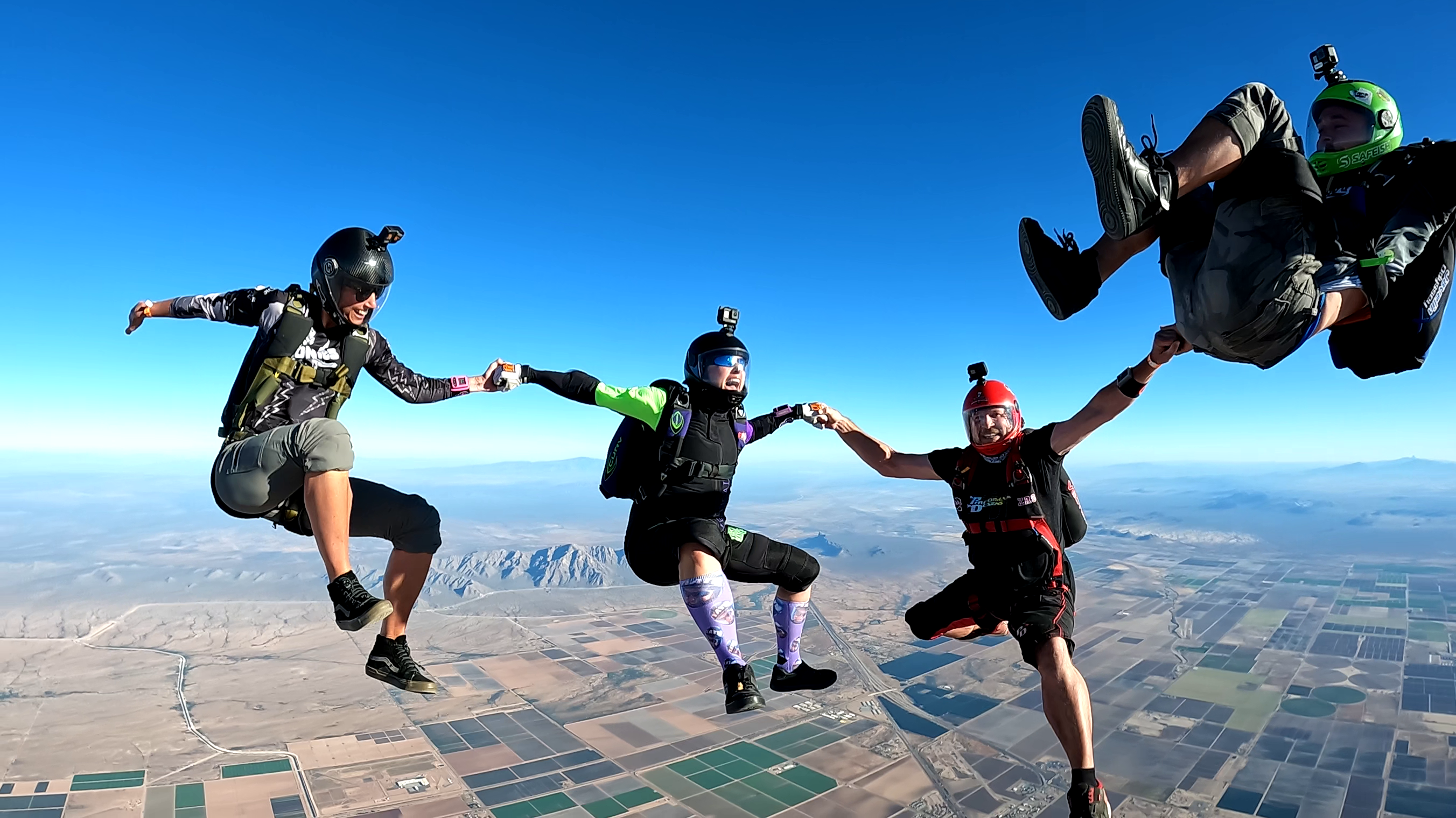
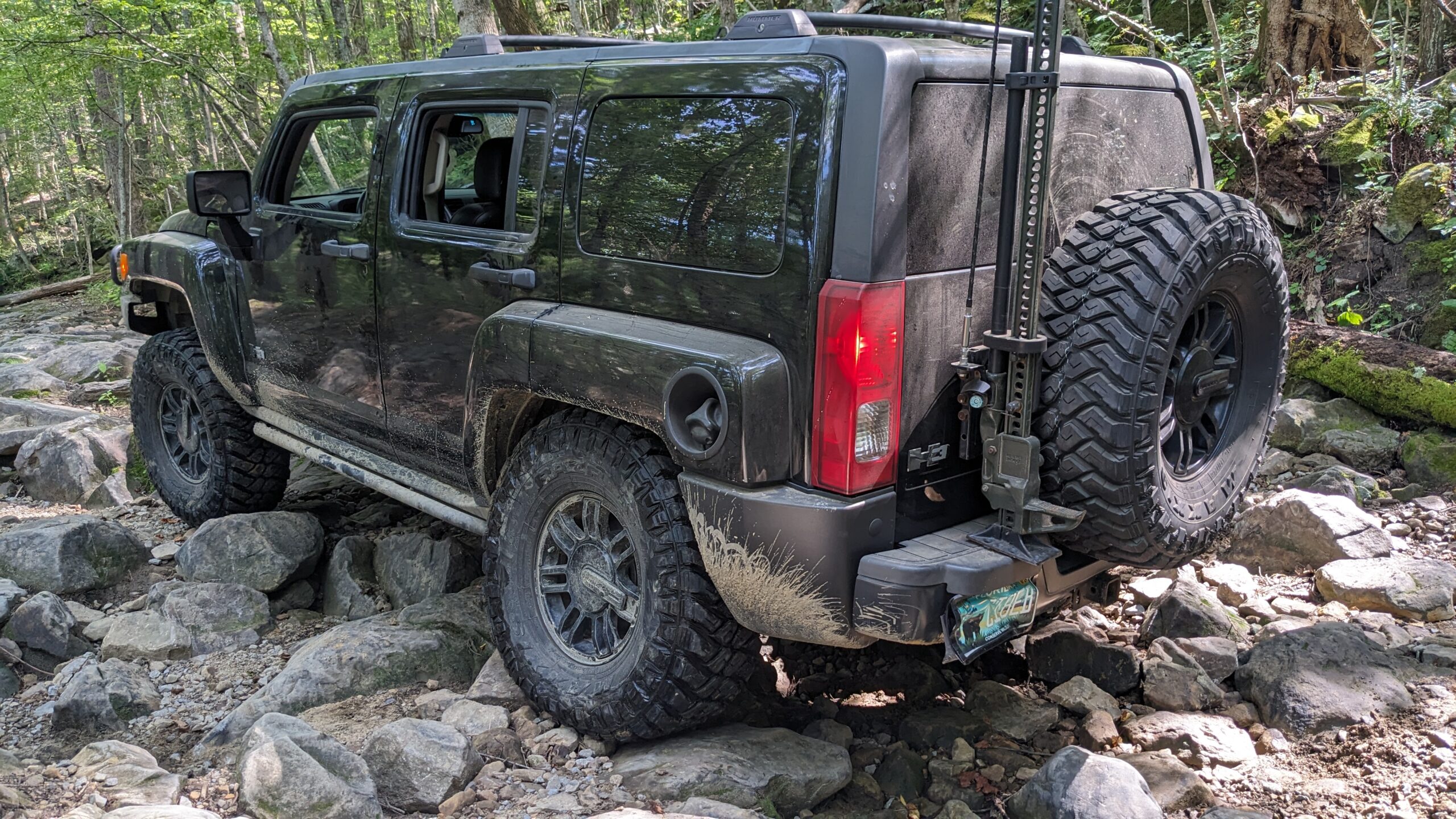
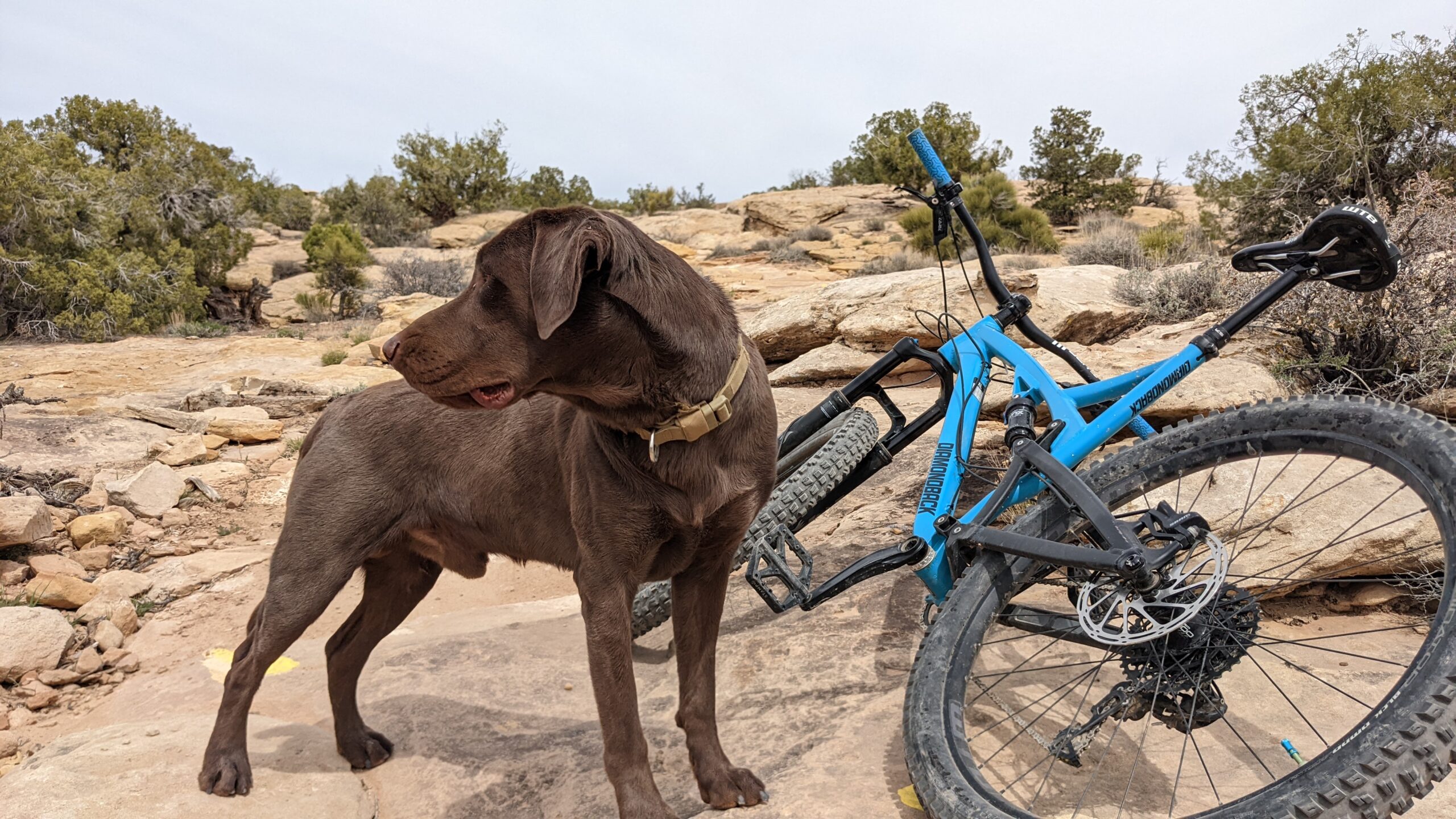
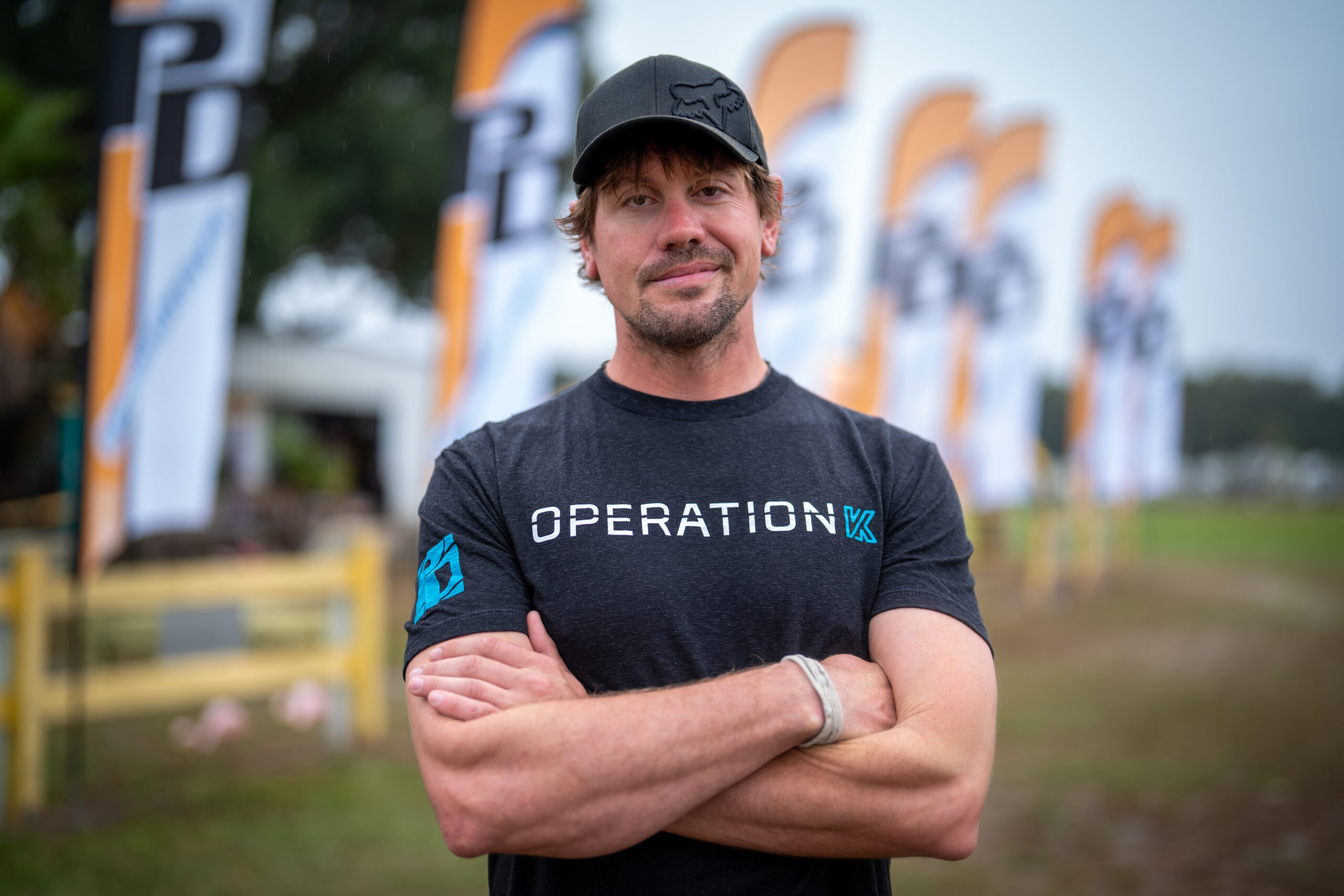
    Eric J SchwarzAbout me :  My name is Eric J. Schwarz, I was born in Illinois in 1987 and still live in the same town today. I like to think of myself as an adventurer, a sort of modern day cowboy. I seek small fortunes out in the great game of geocaching, I occasionally mountain bike, and go to my local gym to boulder during the week. I legally off-road as much as I can in my H3 Hummer, which I’m currently building. I’m not much of a Football or Basketball fan but I do love to play & watch Ice Hockey, Go Hawks! And coming up summer 2012  I plan to drive to Burning Man with my Brother, stopping along the way to see Mount Rush More, Yellowstone, off-road on Colorado’s Black Bear Pass and a few others, visit Moab, and see the place where movie 127Hours take place.

    Website Design :  I have been building websites since 2005. I’m self taught and I have a passion for website design. For me, I believe that web design is not coding, but something to be thought of as a work of art. I create my art with HTML, CSS, PHP, JavaScript, Photoshop, Filezilla, and WordPress.

    I am available for freelance work and will be excited to work on your project! You can contact me using the form located here.

    Till the next Adventure,

    Schwarttzy

    *Last Updated on 4/6/12*

  • Comments

    1. rhejie says:
      June 10, 2013 at 11:25 PM

      hai erick ,, pls help me to create my own website pls… :)

      Reply
      • Schwarttzy says:
        June 11, 2013 at 7:46 AM

        What can I help you with?

        Reply
    2. daggitbrown1 says:
      June 10, 2013 at 11:07 AM

      What is the most current version of adventure+, when will you have an update, and how can it be downloaded?
      Thanks!

      Reply
    3. Anatolt says:
      June 4, 2013 at 7:52 AM

      Thank for awesome theme

      Reply
    4. Michiel Tollig says:
      May 29, 2013 at 3:20 PM

      Hey Eric, I’ve got a fews problems with your Adventure theme. I do love the theme though!
      First of my menu in the header get’s screwed up if it exists out of seperate words. for example: Teaching Methodology (vakdidactiek) => will look like this => Teaching (space space space) Methodology (enter) (vakdidactiek).
      Also I can’t make add a category in a category. Say I’ve got WDKA => Project Activation => Teaching Methodology (vakdidactiek). Could you perhaps add such a function?
      The text in the About Me section gets spread out too much, is there something I can do about that?
      And lastly could you make it possible to be able to edit the sidebar more? Like change on which side of the screen it is, change it’s font and the colour of the font?
      For the rest I’m VERY satisfied with your theme and think it’s the best I’ve come across so far! So thank you very much!

      Michiel

      Reply
      • Schwarttzy says:
        May 30, 2013 at 7:59 PM

        Hey Michiel,

        I would need to see a photo about those problems, you should use my contact me page so we can just email because it would be easier. As for the sidebar stuff look for it in the next update which I hope to work out this weekend.

        - Eric

        Reply
    5. Srecko says:
      May 24, 2013 at 5:38 PM

      Thanks YOU MY MAN. Croatia! Glina… ;)

      Reply
      • Schwarttzy says:
        May 28, 2013 at 9:25 PM

        Any time!

        Reply
    6. Morten says:
      May 22, 2013 at 3:10 PM

      I am also a big fan of you Adventure Theme!
      Is is possible to make the background of the header transparent? Just like the sidebar?

      Reply
      • Schwarttzy says:
        May 22, 2013 at 9:28 PM

        Not yet but I add it to my list to do, you can however get the premium version open the image with Photoshop or something and reduce the opacity right now.

        Reply
    7. Denitsa Asenova says:
      May 18, 2013 at 2:03 PM

      Hello, I am using your theme ‘Adventure’. My concern is how to switch the menu from the bottom to the top?
      Thank u in advance!

      Reply
      • Schwarttzy says:
        May 19, 2013 at 9:31 AM

        Go to the theme customizer it is under the menu options.

        Reply
    8. Robert says:
      May 17, 2013 at 1:59 PM

      Is there a way to get rid of the menu in the header?

      Reply
      • Schwarttzy says:
        May 19, 2013 at 9:33 AM

        No there isn’t. People wouldn’t be able to browse your website without it.

        Reply
    9. Curtis says:
      May 10, 2013 at 12:30 AM

      Hello:

      I really like the adventure theme. How can I change the font on the header? Also, I want to use exponents in the title of the header, any ideas? I do not mind paying for an upgrade, but I do not know how. Thanks!

      Reply
      • Schwarttzy says:
        May 14, 2013 at 11:08 AM

        Hey Curtis,

        The font in the header can be changed by going to the “Theme Customizer” which is linked in the admin bar. You don’t need the upgrade,but it would be much appreciated. Respond back if you have any trouble.

        Reply
    10. pseudus says:
      April 27, 2013 at 10:12 AM

      On the Semper Fi+ theme, how do I make the posts page normal and not 3-column?

      Reply
      • Schwarttzy says:
        April 29, 2013 at 11:18 AM

        That isn’t possible, but is now in my to do list.

        Reply
    11. Travis says:
      April 18, 2013 at 6:30 PM

      Hi Eric. Love your themes, but I am currently having an issue with the title replacer that uses an image instead with the Semper Fi theme. Whenever I select an image from the desktop or drag an image into the uploader, nothing happens. Any ideas?

      Reply
      • Schwarttzy says:
        April 29, 2013 at 11:20 AM

        I have been getting a few emails about this problem and have no idea why it is yet. It could be a few different things, but I would recommend trying from a different computer. It works for me time and time again, even on other computers. If you send me an email with a temporary username and password I could try uploading it for you.

        Reply
    12. mishmatta says:
      April 12, 2013 at 8:20 AM

      Is it possible to remove the page title from the top of the page for the Adventure+ theme? If I leave the line blank, the tab shows a blank space instead of the page name. If I put the name in the title section, the tab shows correctly but the name shows up at the top of the page. I’d like to eliminate that.

      Reply
      • Schwarttzy says:
        April 12, 2013 at 10:39 AM

        That is a feature I’ll try to work into the theme this weekend.

        Reply
        • mishmatta says:
          April 16, 2013 at 7:59 AM

          Thanks Eric. Also, my theme background is very light (white). The sidebar words are white. I don’t know how to find the code for that, but is there a line i should look for to change the sidebar text to black?

          Reply
          • Schwarttzy says:
            April 17, 2013 at 7:47 AM

            Well that is the point where you need the features on the premium theme to be able to change the text color.

            Reply
            • mishmatta says:
              April 17, 2013 at 9:04 AM

              I thought I purchased the premium theme? $15?

              Reply
              • Schwarttzy says:
                April 18, 2013 at 11:23 AM

                I’m sorry, a lot of the time I’m unaware who has and hasn’t purchased the theme. I just help them no matter what normally, just don’t tell anyone I need to get paid too. Anyway, I just looked and was shocked that I haven’t got that feature in the theme. I’ll be updating the theme tonight hopefully and will send you an email with the new code once it is done.

                Reply
    13. Volker Steiger says:
      April 5, 2013 at 7:09 AM

      Hi there,

      just bought the Adventure+ theme. I like to use only a sidebar on the “Home”-Page. I setup a Sidebar in the theme options, but it doesnt work. What else can i do?

      Regards
      Volker

      Reply
      • Schwarttzy says:
        April 5, 2013 at 7:55 AM

        Works just fine for me, try reinstalling the code and then see if any plugins are interfering with it. Then we’ll move forward after that.

        Reply
        • Volker Steiger says:
          April 18, 2013 at 11:35 AM

          Hi Eric,

          ty. I just use another Plugin (Simple Page Sidebars) now. It works for me. The Plugin you provided is very complicated. ;)

          Regards
          Volker

          Reply
          • Schwarttzy says:
            April 18, 2013 at 11:37 AM

            Glad to hear it worked out, and I’ll be sure to recommend that plugin next since you said it is easier.

            Reply
    14. Emille says:
      April 4, 2013 at 7:16 AM

      Hey Schwarttzy,

      I am using the Semper Fi Lite theme as I am building a concept site for a sporting club – as soon as they are happy with the styling, I will be purchasing the full version to enable other features.
      I am wondering if in the full version, it is possible to have no front page at all, basically I just want to view the background. If I select no static front page, I just get a blank transparent bar – I want to remove that, is it possible?

      Reply
      • Schwarttzy says:
        April 4, 2013 at 8:27 AM

        Ya I can give you hand with that, I might just make the a premium feature though so that there is no need for custom coding.

        Reply
        • Emille says:
          April 4, 2013 at 9:53 AM

          Awesome, I will purchase full version.

          Also, I found of the lite version at lease, that the menus fade too quickly and it is sometimes hard to click a menu option, any way to extend that?

          Reply
          • Schwarttzy says:
            April 4, 2013 at 10:10 AM

            If you dive into the CSS and edit it, other wise not. I’m a little unclear though what your talking about, might you show me a photo, or even better video, of the problem?

            Reply
    15. daggitbrown1 says:
      March 25, 2013 at 5:20 PM

      Hey Eric. I have looked through forums and pages looking for a way to edit page title text, then it occurred…. How can I remove the page title text from each page altogether?

      Thanks

      Reply
      • Schwarttzy says:
        March 26, 2013 at 4:10 PM

        Using theme Customizer in the next update.

        Reply
    16. sharon says:
      March 24, 2013 at 12:59 PM

      Hi, now I’m playing with the Adventure theme for another blog. Can you give me the HTML color code for the blue header? I’m trying to match the sidebar background to it. Also, is there a list of all of your themes somewhere?

      Reply
      • Schwarttzy says:
        March 29, 2013 at 11:13 AM

        Well it is a bunch of colors, but over all I would say that “#141726″ will work fine.

        Reply
    17. Sophie Hilt says:
      March 22, 2013 at 3:03 PM

      Hey, awesome theme. I was just wondering if it was possible to make the header transparent, or semi-transparent. Maybe change the levels of transparency, and if so how?

      Reply
      • Schwarttzy says:
        March 27, 2013 at 8:01 AM

        I’ll look into adding this as an option, however how soon it gets implemented it uncertain.

        Reply
    18. daggitbrown1 says:
      March 19, 2013 at 1:45 PM

      Hi, I would like to know how can I change the title of each page to an individual image for each individual page and/or change color of only the title page.

      Thanks again!

      Reply
      • Schwarttzy says:
        March 21, 2013 at 6:25 AM

        I’m not completely sure what you’re trying to do, I would need more information.

        Reply
        • daggitbrown1 says:
          March 21, 2013 at 1:17 PM

          hmm. not sure how else to explain it. Instead of a title page displayed on each page I want it replaced with an image. However, I still want each page to have its own title so ill have to make an image for each page with the title name in the image. this is a screen shot made into an example in photoshop: http://westriverkayak.com/wp-content/uploads/2013/03/page-title-idea.jpg

          Reply
    19. Schwarttzy says:
      March 19, 2013 at 12:07 PM

      You need to add more posts to your WordPress for it to look right. The idea is that snippets 3 wide will display across the screen before starting a new line. Unless your screen is too small, then it will drop down to two and then one if the page determines it.

      Reply
    20. wayne Kroeplin says:
      March 17, 2013 at 7:36 PM

      Hey Eric,
      Love your work. Question: how can I eliminate the month and day stamp that appears on each page?
      Thanks

      Reply
      • Schwarttzy says:
        March 19, 2013 at 12:02 PM

        It will be added in one of the future updates.

        Reply
    21. daggitbrown1 says:
      March 16, 2013 at 5:26 PM

      Hey Eric, I am have some trouble navigating through a the editorial forms.
      Two questions for you. Would like to set up a reverse order on comments in a page. treating it as a review page with newest first. I downloaded Reverse Order Comments plugin but I cant find the area in the comment.php form it asks me to edit.
      to give you an idea http://westriverkayak.com/about/comments/

      Second, How can I change the title of each page to an image or change color of only the title page.

      Thanks again!

      Reply
    22. daggitbrown1 says:
      March 15, 2013 at 6:04 PM

      Hey, I enjoy the Adventure+ theme. I am have trouble with my meta tag, keywords mostly. There is no header.php for me to input my meta information. Did not realize that switching themes would remove my recent meta tagging.

      Could you advise me on this matter?

      Reply
      • Schwarttzy says:
        March 15, 2013 at 6:37 PM

        Try looking into the plugin “All in one SEO” for wordpress, but you can find the header script in index.php because I don’t use “header.php”

        Reply
        • daggitbrown1 says:
          March 16, 2013 at 1:47 AM

          Great recommendation on the All in one! Keep climbing those mountains

          Reply
    23. Azizah says:
      February 28, 2013 at 10:42 AM

      Hi Eric,

      Great Theme! I’m trying to remove the sidebar widget from the main page and the additional pages I only want to use it on the posts page. How do I go about doing this? Thanks! :)

      Reply
      • Schwarttzy says:
        March 19, 2013 at 12:29 PM

        Um… well I never thought about doing that when I wrote the theme but I can do it, look for it in a future update.

        Reply
    24. Tom says:
      February 21, 2013 at 7:19 PM

      I love adventure theme, it is perfect for my blog’s homesteading topic but I can’t seem to find the option where people can post comments on my blog. Is it a problem on my end?

      Reply
      • Schwarttzy says:
        March 19, 2013 at 12:26 PM

        It’s possible on your end, if you disable the comments from the page / post then there is no way for you viewers to comment. Go to the admin section of and open up the post as if you were going to edit the post / page. In the upper left corner of the screen you will see “screen options,” click and then make sure the box “discussion” has check mark in it. Finally towards the bottom of the page / post look for the box labeled “Discussion” and then make sure that “Allow Comments” is checked marked.

        If this doesn’t fix it there has to be an error(s) in the code on your server some where.

        Reply
    25. John Mountford says:
      February 19, 2013 at 9:41 PM

      Eric,
      I am a WordPress user and activated your theme Schwartzy / Semper Fi. When I did so initially the banner bar at the top was transparent (I could see the background image clearly through it). I liked that, but thought I would try out the different colour options of blue, purple, green etc. Once I did that I could not return to the transparent banner bar, even if I de-activated and re-activated the theme. Help?

      Reply
      • Schwarttzy says:
        February 20, 2013 at 8:47 AM

        Hey John,

        That was an error, but I didn’t realize that people would enjoy that feature. I’ll be sure to include that as an option in an update that I plan on doing soon.

        Reply
    26. Jan Deters says:
      February 17, 2013 at 9:12 AM

      Hello Eric,

      I’m from the Netherlands and maybe my English is not always as clear as I like to be. I’m new in WordPress so I have lots to learn.

      Very nice theme you’ve build! I have chosen it together with a friend to build her site with. And after that I think I will rebuild my own website too. What specially is great is that the menu is sticky when you scroll down. It is really very handy to browse with.

      I have a few questions and perhaps some ideas for you:
      - Is it possible for me to switch off all the things what has to do with blogging? With other words, I would like to use it as a standard website.
      Then I like to design one page for a contact form or put fields in for reactions/blogs. The text “by ……” beneath every page is then not necessary.
      - In the sidebar on the right you can switch all things off but the main page stays the same width, is that possible to change when I use no sidebar?
      - Could it be possible to change the background from the header and the footer like the pages?
      - Could it be possible to put the search bar in one line above each page, in this way the pages can be wider.
      - Can I switch of the fields: “Leave a reply” and “”
      - Is there a possibility to change the borderline colors?

      I really hope that you can give me some good tips or hope that it can be done.

      Any way, great design,
      Jan

      Reply
      • Jan Deters says:
        February 17, 2013 at 9:16 AM

        - Can I switch of the fields: “Leave a reply” and “ Older Post Newer Post ”

        Reply
        • Schwarttzy says:
          February 17, 2013 at 12:37 PM

          In the latest update.

          Reply
      • Schwarttzy says:
        February 17, 2013 at 12:45 PM

        I will be working on an update that gives you a bunch of options for the Time, Author, and etc. The content is completely flexible, this theme is responsive in design, but if you want to make it wider than it is now… that would be very difficult and very low on my priority list for now. Changing the color for the borders will be in a future update, just not sure if this time around or next. Changing the background has always been possible, so I’m not sure what you are talking about here.

        Message me back if you have any more questions

        Reply
        • Jan Deters says:
          February 18, 2013 at 12:23 PM

          With changing the background I mean the Header and Footer color. You have 3 options that are very dark.
          I think it is made with an image? If I could change the image (in combination with opacity) or perhaps a color with opacity that would help a lot. Perhaps if I now where the file to find I can replace it with another with the same dimensions en experiment a litlle. I’m familiar with FileZilla and Photoshop so that should not be a problem.
          The version I now use is version 2.2 that I have downloaded from the Dashboard on tuesday the 12th of february. That is the newest I can find.

          Reply
        • Jan Deters says:
          February 20, 2013 at 1:15 PM

          Hai Eric,

          To let the Adventure them more look like a standard webpage with no blogging on it I have found in the index.php the subroutines to call for the Comment window and the Previous en Next window.
          I simply deleted it and that works fine for me. The only thing I’d like to remove is the ‘by admin’ on each web page but I can’t find it (yet).
          Could you and will you let me know where I can find that and switch it off (or remove displayed text)?

          Reply
          • Jan Deters says:
            February 21, 2013 at 1:17 PM

            Hello Eric,

            Me again :-) I.ve already found the text “by admin” and Ive made’comment from it and it works. Now the website is not looking any longer as a blog site.
            Can I find the ‘page text color’, the ‘widget text color’ and the font type of both header texts in the style.css or in the theme-options.css?

            Reply
            • Schwarttzy says:
              February 25, 2013 at 11:12 AM

              Sounds like you accidentally delete an important tag to the theme, it could be a real pain to figure out and you might need to start from scratch.

              Reply
    27. Francisco Aguilar says:
      February 10, 2013 at 4:46 PM

      Hello I’m constuyendo website with wordpress Adventure theme as a template seems very attractive. But I have several problems:
      – Can not create new “semitransparent rectangles” to include text and images. On the issue appear only three and I would need more.

      -In the tablet and mobile phone background image is cut off and how hard I try always moves

      – How I can remove the buttons and newer post older post?

      thanks

      Reply
      • Schwarttzy says:
        February 17, 2013 at 12:48 PM

        The latest update let’s basically do whatever you want with newer post / older post and etc. The problem with tablets is because the person that wrote the web browser is wrong, I can’t fix their mistakes. Transparent images need to be a PNG file to work and I tested it a while back with it working just fine.

        Message me back if you have any questions, comments, or ideas.

        Reply
    28. Jen says:
      February 5, 2013 at 10:48 PM

      Hi Eric!
      I am loving the Adventure theme you created! I just wanted to ask you how I can remove the “Older Posts” and “Newer Posts” box at the bottom of each page.
      I want my viewers to use the menu bar at the top instead of being given the option to click on Older and Newer posts.
      How can I remove this? I am creating a website for a client; therefore, this is a time-sensitive matter.
      I hope to hear from you soon!
      Jen

      Reply
      • Schwarttzy says:
        February 6, 2013 at 10:20 AM

        Hey Jen,

        The coming update will have the option for you to decided whether or not the “Older Posts” and “Newer Posts” on just post, just pages, post and pages, or none.

        Look for the update some time before the weekend.

        Reply
        • Jen says:
          February 8, 2013 at 1:17 PM

          Wonderful! Thank you so much!!

          Reply
    29. Andrea Morris says:
      January 31, 2013 at 12:35 AM

      Hi Eric, in the title banner may I use an image only instead of text as a title? I notice if I don’t use text, my uploaded banner image gets cropped way down:

      http://www.babybluemovie.com/startup/projects/baby-blue-start-up-funds-3/

      Thanks- Lovely theme.

      Reply
      • Schwarttzy says:
        February 7, 2013 at 9:48 AM

        I’m working on making that a reality soon.

        Reply
    30. Bruno Chesi says:
      December 21, 2012 at 2:52 PM

      Could you please explain what is being served that I paid $ 6 a few months ago for Adventure +.
      Your advertising talked about additional options but I did not have.

      Reply
      • Schwarttzy says:
        December 21, 2012 at 3:23 PM

        There’s a new version out now that I’m unable to really reach all my old customers, but if you have purchased “Adventure+” in the past and contact me about it I’m give you the new code that automatically searches for updates now.

        Reply
    31. Amanda says:
      November 16, 2012 at 11:48 PM

      I LOVE THIS THEME!

      PS- Check the word “fasioned” in copyright section.

      Reply
      • Schwarttzy says:
        November 18, 2012 at 1:34 PM

        LOL spelling errors, thanks for find it, I often get so caught-up in the esthetics of the design that things that should be obvious, are often not.

        Reply
    32. Nathan Lake says:
      June 23, 2012 at 7:56 PM

      Any idea when your next update to Adventure+ will be out? Will it include the ability to adjust the layout of each page independently?

      Reply
      • Schwarttzy says:
        June 29, 2012 at 1:50 PM

        With-in the next few months I plan to completely rewrite the theme so that it is “Responsive.” Meaning that the theme will stretch to fit the smallest cell phone screen to the biggest computer screen without losing a thing.

        Reply
    33. Jon Swift says:
      April 24, 2012 at 2:34 PM

      Absolutely loving your theme, looks really good and definitely stands out from the others :-)
      Might just be chasing you in the near future as I’d really like mine personalized a little more…who better to ask than it’s creator.

      Reply
      • Schwarttzy says:
        April 25, 2012 at 5:41 PM

        I would be happy to oblige.

        Reply
    34. ilo says:
      February 3, 2012 at 6:43 PM

      The adventure theme is amazing!!!

      Reply
    35. Nabu says:
      November 21, 2011 at 5:34 PM

      just purchased adventure plus, great theme!
      -how can can I change the post background, I’d like it to be the same as the sidebar and the menu background?
      -how do I change the post font color?
      -Also how can I make the sidebar a bit wider and the post more narrow?

      Appreciate your help.

      Reply
      • Schwarttzy says:
        November 22, 2011 at 5:31 PM

        All the theme options are in the located under “Appearance” in your WordPress admin panel. As of right now you can’t change the width of sidebar but that will be in the next big update. As for changing sidebar background to the menu back ground that is some quick CSS coding I can do for you. I plan to include changing the sidebar menu background too soon.

        Reply
        • Nabu says:
          November 22, 2011 at 5:40 PM

          Thank you. I’d like to change the post background to be the same as the sidebar background. I’d appreciate your help.

          Reply
    36. Clanlong says:
      November 9, 2011 at 7:36 AM

      Hi Eric, your WordPress Adventure is really impressive. Maybe I should buy one for my website…

      Reply
      • Schwarttzy says:
        November 9, 2011 at 5:27 PM

        Thanks for your complement and over all interest in supporting my efforts.

        Reply
    37. Raydeen Graffam says:
      August 24, 2011 at 10:10 PM

      would love to change the colors of the post background and the menu bar at the bottom… how do I do that?

      Reply
      • Schwarttzy says:
        September 26, 2011 at 10:02 PM

        The newest version of Adventure+ does just that, and if the options aren’t what your looking for I’ll send you a new copy. I’m working out the kinks in my new shopping cart, so go to downloads and get the 2.0 version.

        Reply
    38. Jeremy W. says:
      August 9, 2011 at 3:18 PM

      I have been using the plugin “Better Backgrounds” to allow random background photos but it appears it doesn’t work with your Adventure 1.4.6 Theme. I’d love to see them work together since I love the translucent menus but want the random backgrounds. I’ve not be able to figure out on my own how to make these two play nice and any help would be GREATLY appreciated.

      Reply
      • Schwarttzy says:
        August 9, 2011 at 3:59 PM

        I’ll look into it

        Reply
    39. Gregory says:
      June 13, 2011 at 11:54 AM

      Eric, I love your theme, and have decided to use it. I am new to word press, creating my site. However, I am unable to change the color of the footer that caries the menu (The color doesn’t blend with my site). I have went inside the editor under footer and that didn’t help. Please, lead me down the road to solving my color issue. Thanks, Greg

      Reply
      • Schwarttzy says:
        June 18, 2011 at 5:34 PM

        To do that you need to change the image “Bars.png”

        Reply
    40. Carlos says:
      May 26, 2011 at 12:46 PM

      Hi Eric. I liked very much your theme and I am using your theme at my site. I am using WPML to translate my site and I am getting your theme ready to be translated by that. I wonder if you don´t want to get those modifications to upgrade your theme and make it translatable using gettext functions (that’s what I am doing). Tell me if you want it, because I am using 1.4.2 but to add those changes to your development it would be better to work on the newer version.

      From what I have seen, as you are a theme developer, wpml.org gives you a free account to use and test their plugin. You just have to register there. I´ve seen people above trying to translate it to French and German. I will do to French and Brazilian Portuguese.

      Regards, Carlos.

      Reply
      • Schwarttzy says:
        June 7, 2011 at 4:15 PM

        Sorry to take so long to decided on this but I couldn’t make my mind up until now. I like the idea of this code and would for my theme to be translated in as many languages as possible, but I really pride myself with the cleanest and lightest written code out there. If you look at the number of pages and code I use it is very minimal come paired to other WordPress Themes, which is why I do not want to add WPML to it right now.

        Now the upside to this is that if anyone want me to quick add in there language I will do this for free all the have to do is ask.

        Reply
    41. Matt says:
      May 20, 2011 at 5:06 PM

      Hey, I’m using your Adventure 1.4.2 theme, and I’m looking for a good Twitter plugin. I’ve tried using the Twitter app from Twitter, but it floats outside of the right hand column. Thoughts/suggestions?

      Reply
      • Schwarttzy says:
        May 20, 2011 at 7:39 PM

        I haven’t used any of the twitter plugins yet but I try make one work.

        Reply
        • Matt says:
          May 23, 2011 at 7:45 PM

          Let me know what you come up with. I’ve found 1 or 2 that work, but they’re pretty basic and boring.

          Reply
          • Schwarttzy says:
            June 8, 2011 at 4:03 AM

            Still trying to get to it… just so busy.

            Reply
    42. adrian says:
      April 25, 2011 at 1:28 AM

      Hi Eric, i wanted to put an adsense on your theme, can you suggest a good plugin for it? thanks so much!

      Reply
    43. sabine says:
      April 18, 2011 at 6:36 AM

      I just updated the theme and now I have some trouble again. I can not see the titel of my blog and the menu on the bottom of the page also looks terrible.
      I have no idea what to do??

      Reply
      • Schwarttzy says:
        May 18, 2011 at 9:18 PM

        1.4.3 Address the this with IE 6 Menu bar problems

        Reply
    44. Peter Schwenk says:
      April 9, 2011 at 10:48 AM

      Hi, I also love this template, but after upgrading to the latest version today, when listing a category it no longer shows images in the listed posts. I liked it better before. How can I get this back?

      Reply
      • Schwarttzy says:
        April 9, 2011 at 10:51 AM

        To do this you I would have to change the code, but there is a new feature for “featured images” in the post.

        Reply
        • Peter Schwenk says:
          April 9, 2011 at 2:57 PM

          Thanks Schwarttzy, I have tried the featured image option but it does not help me in the way I want it to work. Is there a chance I can download the previous version somewhere, or is it available from you? Im not good at programming!

          Reply
          • Schwarttzy says:
            April 9, 2011 at 3:38 PM

            Spent some time and thought about it and a new version is up using the similar old code. Featured Images is still use able.

            Reply
            • Peter Schwenk says:
              April 9, 2011 at 5:24 PM

              You are a star! ver1.4.1?

              Reply
              • Schwarttzy says:
                April 9, 2011 at 6:56 PM

                Yep

                Reply
                • Peter Schwenk says:
                  April 10, 2011 at 3:03 PM

                  Thank you ever so much from sunny UK. Brilliant!

                  Reply
    45. Jerry Vis says:
      April 8, 2011 at 2:15 AM

      Hi, Love the theme! I was able to add my own background, only since I am using my blog for my photos, I thought even the background should be my own.

      I do have one question though, is it possible to move the title bar to the top of the screen rather than having it at the bottom?

      Reply
      • Schwarttzy says:
        April 13, 2011 at 11:31 AM

        It is but you have to change the code to do so (something I don’t do for free) but if you can figure it out yourself I have no problem with that.

        Reply
    46. Bartek says:
      March 26, 2011 at 4:25 PM

      Hi, at first- superb theme. I’m grateful to use it. I have small problem. How to make main page center after erasing sidebar?

      Reply
      • Schwarttzy says:
        April 5, 2011 at 10:00 AM

        In the theme adventure you would need to decrease the size of “#center” to 780px or increase the size of “.content” to 980px to get this to work.

        Reply
    47. Ruth says:
      March 11, 2011 at 1:42 PM

      Beautiful design. Thanks for your work.

      Reply
    48. priyanto says:
      March 5, 2011 at 7:24 PM

      hi. I really want using your theme but I use the “all in one adsense and yahoo ypn plugin” which pushes my pictures to the left or right out of the main column, How can I fix that, to wrap my pictures again. well I try to do that my self but if you have any idea? or maybe you have an adsesnse plugin that works well with your theme? thanks a lot…

      Reply
      • Schwarttzy says:
        March 6, 2011 at 9:19 AM

        Well if you could show me some pictures of what it is doing and let me see the code I should be able to help you out.

        Reply
        • Priyanto says:
          March 8, 2011 at 12:08 PM

          I posted the screenshot on the blog above, well I can place the adsense on the single page and “after the loop”, without using the plugin

          Reply
    49. anquaro says:
      February 26, 2011 at 1:47 PM

      hi, thank you for your design, it’s quite unique. but, how can I change the background picture if I choose this theme? Please do me a favour. Many thanks!

      Reply
      • Schwarttzy says:
        February 26, 2011 at 3:34 PM

        All you have to do is change the image in the image folder in the theme, make sure you keep the name the same “02.jpg” otherwise it will not work.

        Reply
    50. Team Benito says:
      January 26, 2011 at 9:57 AM

      Hi Eric,

      just want to say thank you for your great looking theme!

      I’m using it now for my Geocaching-Blog (with some translations to the German language) and I really like it.

      Greeting,
      Jens – Team Benito

      Reply
    51. Joseph Toal says:
      January 17, 2011 at 12:51 AM

      Greetings Eric,

      Your theme is great and I’m using it in conjunction with Word Press and the Mike Dillard system which is amazing. I just wanted to thank you for the great work you did on this theme. I’m a business man, not a coder, and your theme assisted me in obtaining a theme congruent with my business approach. We are both adventurers in our own right! Good luck and I hope our paths cross one day! – I wish you all the best – Polar Bear Joe

      Reply
      • Wayne (aka 47 polar bear hunter) says:
        February 10, 2012 at 4:24 PM

        Is it cold up there polar bear joe?

        Reply
    52. Lucien den Arend says:
      October 24, 2010 at 7:58 AM

      http://www.lemarez.nl/wp-content/themes/adventure/style.css
      I saw your URL on the above style sheet. I liked http://www.lemarez.nl/ because I try to do similar things.

      Reply
    53. gail duncan says:
      October 24, 2010 at 12:33 AM

      love the concept want to stick one of my paintings in the background…
      Good job..

      Reply
    54. John Cooper says:
      October 13, 2010 at 5:23 PM

      Hello!

      I’ve been using your adventure theme and I don’t know how many people have complimented me on my website! Thanks a lot! However, today, it was “updated” and no longer works. I’m new to creating webpages and all the time that I took getting things to look right looks to be wasted. I’m sorry to complain, but is it possible to put things back to “normal” and just create a new theme such as Adventure2 or something like that? Thanks a lot.

      ~John

      Reply
      • Schwarttzy says:
        October 15, 2010 at 11:57 AM

        Truly sorry to here that your having problems, but the update has a lot of new code which will make things a lot better in the long run.

        Reply
        • Sabine says:
          February 23, 2011 at 3:32 PM

          hello today I got an uptdate from your nice theme and I did it, but now the background picture is no longer to see.
          Can you help me with this??
          Have no idea what to do. I would not like if I have to change

          Thank you
          Sabine

          Reply
          • Schwarttzy says:
            February 23, 2011 at 6:52 PM

            I’m sorry about that problem, try downloading version 1.3.4 because I accidentally forgot to put the background in 1.3.3

            Reply
    55. Didier Misson says:
      July 30, 2010 at 7:22 PM

      Thanks for this great theme !
      I just change the photo and colors (I prefer blue colors).

      http://didier.misson.net/blog/2010/07/31/on-change-de-look/

      Very good now.

      Thanks ;-)

      Reply
      • Norton Rodriguez says:
        February 25, 2011 at 4:09 PM

        Didier, how did you change the background photo?

        Reply
        • Schwarttzy says:
          February 26, 2011 at 11:08 AM

          Just upload a different photo to your website with the same name as in the theme “02.jpg”

          Reply
    56. Eric Ridenour says:
      July 23, 2010 at 12:08 PM

      Love the site and the theme. I am using it on mine, thanks for creating it.

      Reply
    57. Kaleem Akhter says:
      July 4, 2010 at 10:59 AM

      Very good to see you man. thanks for the amazing theme.

      Reply
    58. stephane says:
      June 26, 2010 at 5:09 PM

      Hi Eric,

      I found the design of your site on WordPress. I have used it for my own site.
      So I have to congratulate you for this great design.
      I would like also to translate in french some of the title. Would it be possible?

      Thanks
      Stephane

      Reply
    59. Zach says:
      March 21, 2009 at 6:41 PM

      wow this is a pretty sweet looking site bro.

      Reply
  • Pings & Trackbacks

    1. Shawnas Basement Take Two | Shawnas Basement says:
      March 22, 2013 at 10:21 PM

      [...] maybe, or who knows. Now I am starting over. I love the new free template I found, and highly thank the creator of it. I think its amazing and perfect for what I was hoping for. I am a little disgruntled at [...]

  • Leave a Reply Cancel reply

  • Twitter

    My Tweets
  • Search

    Your Cart

    Your cart is empty.

  • Calender

    June 2013
    S M T W T F S
    « May    
     1
    2345678
    9101112131415
    16171819202122
    23242526272829
    30  

Good Old Fashioned Hand Written Code by Eric J. Schwarz